
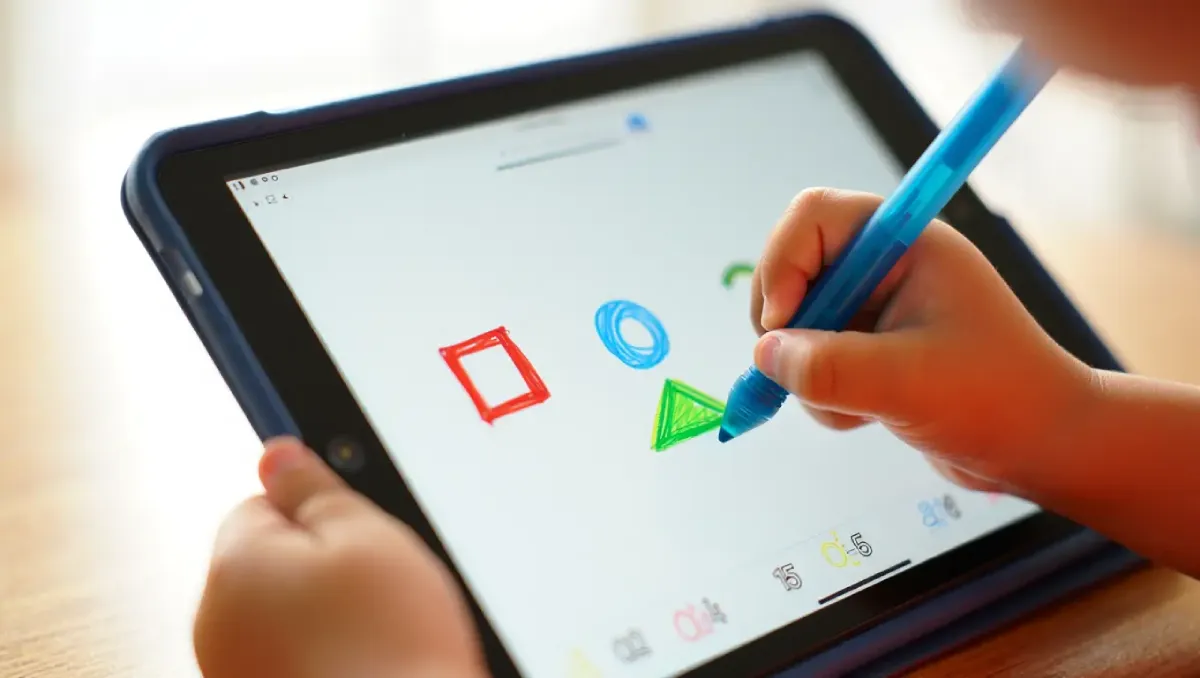

Modern education is rapidly embracing tablets with stylus pens because they blend the tactile feedback of handwriting with the versatility of digital devices. The focus here is on Tablets with Stylus – 7 Game-Changing Learning Benefits for students of all ages. These devices transform study habits by enabling active, creative, and portable learning.
Smart Boards in Education – 7 Incredible Learning Benefits
In fact, research shows that combining traditional note taking with digital tools (like a stylus on a tablet) can deepen understanding and retention. As education technology experts note, stylus-driven tablets encourage active learning: students can write directly on virtual worksheets and instantly organize their notes.
With tablets becoming as common as notebooks, 56% of students now own one, educators report that their touchscreens and stylus accessories appeal to tactile learners. Stylus pens let students annotate, sketch, or handwrite on the screen just like paper. We explore the seven top learning benefits of tablets with stylus, from boosted engagement to improved organization.
Enhanced Note-Taking and Retention:
- Writing by hand has proven cognitive benefits.
- Stylus enabled tablets combine handwriting advantages with digital power.
- Longhand note taking:
- Forces students to process and rephrase information
- Leads to deeper understanding and stronger memory
- Handwriting accelerates learning compared to passive typing.
- Tablets with stylus allow students to:
- Write notes naturally
- Instantly store, search, organize, and share notes
- Research confirms:
- Stylus note taking balances traditional cognitive benefits with digital convenience.
Digital Note Taking Apps
- Popular apps:
- Notability
- Good Notes
- Microsoft OneNote
- Microsoft OneNote Draw feature:
- Converts handwriting to editable text
- Benefits:
- Rough handwritten notes become clean typed documents
- Notes are:
- Organized
- Searchable
- Backed up in the cloud
- Blends the best of paper and technology.
Stylus Note Taking Tips for Students
- Use separate digital notebooks for each subject.
- Create sections within notebooks for better organization.
- Apply color coding and highlights to mark key ideas.
- Use stylus pressure sensitivity to:
- Draw diagrams
- Create mind maps
- Visual drawing improves recall and comprehension.
- Maintain digital to do lists and check tasks off regularly.
- Revisiting saved notes helps students:
- Stay on track
- Retain more information

Best English Suggestion for HSC 2026 – 1st & 2nd Paper
Interactive and Engaging Learning:
- Tablets naturally support interactive learning.
- Adding a stylus makes learning:
- More engaging
- More hands-on
- Example:
- Instead of reading about cells, students can:
- Tap 3D models
- Label parts using a stylus
- Instead of reading about cells, students can:
- Touchscreens and digital pens:
- Appeal strongly to tactile learners (Samsung Insights)
Interactive Learning Applications
- Games, simulations, and quizzes become more dynamic.
- Students can:
- Draw chemical structures
- Solve math problems step-by-step
- Mark up shared slides during group work
- Many e-textbooks are optimized for tablets:
- Page swiping feels natural
- Stylus allows highlighting and margin notes
- Multimedia features include:
- Videos
- Audio
- Interactive charts
- Students can directly interact:
- Drag objects
- Solve puzzles on screen
- Supports multiple learning styles and boosts engagement.
Interactive Tablet Study Hacks
- Use split screen mode:
- PDF or textbook on one side
- Note-taking app on the other
- Use apps like:
- Kahoot
- Quizlet
- Write answers directly with a stylus.
- Record yourself reading notes aloud while writing.
- Combine:
- Audio learning
- Handwriting
- Interactive flashcards allow:
- Writing
- Drawing answers
- Turns studying into an active, playful experience, not rote reading.
Creativity and Problem Solving Skills:
- Stylus tablets unlock creative learning methods.
- Students are not limited to typing.
- They can:
- Draw
- Doodle
- Design directly on the screen
- Learning activities include:
- Sketching diagrams
- Mind-mapping ideas
- Illustrating concepts
- Examples:
- History students draw timelines
- Language learners practice characters by hand
Academic & Creative Advantages
- Art and design classes benefit greatly:
- Pressure-sensitive stylus
- High-resolution displays
- Enables detailed:
- Digital painting
- Illustration
- In math and engineering:
- Drawing geometry
- Writing formulas improves understanding
- Visual thinking enhances problem solving skills.
Stylus as a Creative Learning Tool
- Makes learning more enjoyable and expressive.
- Supports educational and creative apps:
- Tayasui Sketches
- Adobe Fresco
- Khan Academy Kids
- Students can:
- Color code diagrams
- Animate notes
- Build digital models
- Encourages an exploratory and artistic approach to learning.
Accessibility and Personalized Learning:
- Stylus tablets support personalized education.
- Adaptive learning software:
- Adjusts content based on student ability
- Stylus input improves usability for:
- Young learners
- Students with fine-motor challenges
- Easier than:
- Mouse
- Keyboard
- American Academy of Pediatrics confirms:
- Well-designed educational apps deliver positive outcomes.
Learning Support & Feedback
- Interactive math and reading apps provide:
- Immediate feedback
- Research findings:
- 7th graders using tablets with feedback performed significantly better
- Even without feedback:
- Stylus tablets increase engagement
- Novelty and interaction improve motivation.
Inclusive Learning Features
- Supports diverse learning needs:
- Adjustable font sizes
- Text-to-speech
- Drawing instead of typing
- Handwriting-to-text helps:
- Students with messy handwriting
- Digital worksheets can be:
- Enlarged
- Contrast-adjusted instantly
- Enables customized study paths, making learning inclusive and effective.
Portability and Convenience:
- Tablets are:
- Smaller
- Lighter than laptops
- Easy to carry between:
- Classes
- Campus locations
- For younger students:
- Feels like a book or smartphone
- Still offers ample storage for:
- Apps
- Videos
- Lesson plans
- Many models support:
- microSD cards for expansion
Anywhere Learning
- Learning can happen:
- On the bus
- At home
- Outdoors
- Teachers can distribute:
- Digital assignments
- Students:
- Access work instantly
- Stylus eliminates need for:
- Paper notebooks
- Multiple devices
- Notes can be started in seconds.
Study Tools on the Go
- Common features include:
- Overnight charging
- Wi-Fi / LTE connectivity
- 8–10 hour battery life
- Offline access:
- Download lessons in advance
- Teachers share:
- PDFs
- Slides
- Students write directly on materials.
- Tablet becomes an all-in-one school toolkit.
Productivity and Organization:
- Stylus tablets enhance academic productivity.
- Digital planning tools work seamlessly with stylus.
- Students can:
- Create interactive to-do lists
- Check off tasks
- Set reminders
- Study planning becomes:
- Interactive
- Paperless
Digital Organization Tools
- Useful apps:
- OneNote
- Evernote
- Google Keep
- Stylus notes sync across devices.
- Handwriting recognition allows:
- Conversion to typed text
- Ideal for:
- Essay drafting
- Sharing notes
- No risk of losing papers:
- Cloud backups
- Version history available
Stylus-Powered Study Productivity
- Annotate lecture slides in real time.
- Export annotated slides as PDFs.
- Highlight textbooks digitally.
- Organize notes using:
- Tags
- Color-coding
- Use digital sticky notes and calendars.
- Lenovo confirms:
- Handwriting-to-text creates polished documents.
- Result:
- Messy notes become tidy, searchable study materials.
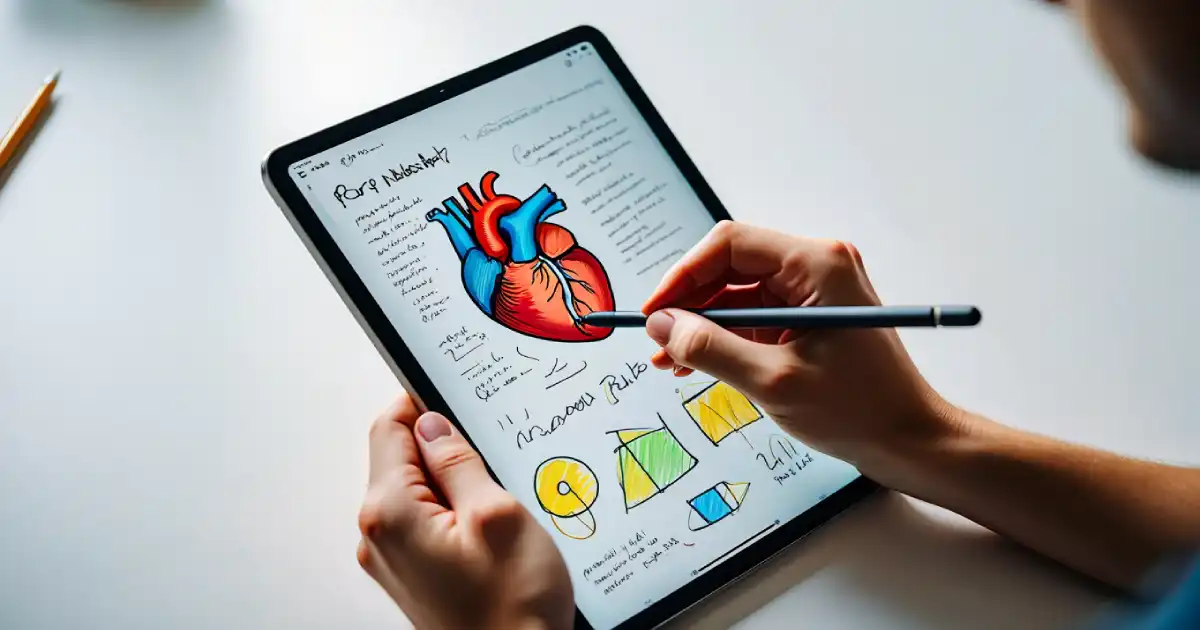
Why Is Using Tablets In The Classroom A Good Idea?
Affordable and Feature Rich Learning Kits:
- Stylus tablets are available at:
- Multiple price points
- Supported platforms:
- Android
- iPad alternatives
- Chromebooks
- Makes stylus learning accessible for:
- Schools
- Families
- Examples:
- Samsung education tablets with bundled pens
- Lenovo Tab
- Amazon Fire HD with stylus support
Educational Design Features
- Kid-friendly interfaces
- Strong parental controls
- Durable builds:
- Gorilla Glass
- Protective cases
- Pre-loaded learning apps
- Easy access to educational app stores
- No need for expensive laptops.
Affordable Stylus Tablet Picks
- Ideal budget range:
- $200–$400
- Recommended options:
- Apple Pencil-compatible iPads
- Samsung Galaxy Tab series
- Microsoft Surface Go
- Refurbished or secondhand tablets:
- Offer excellent value
- Key features to check:
- Responsive stylus
- Long battery life
- Strong app ecosystem
- Affordable stylus tablets can:
- Match or exceed traditional learning methods.
Conclusion:
In summary, tablets with stylus – 7 game-changing learning benefits – deliver a powerful blend of traditional writing and modern tech. From enhanced note-taking and retention to creative problem-solving and interactive learning, the stylus-equipped tablet is a versatile educational tool. Studies confirm that touchscreens improve children’s math and reading outcomes, and tablets free students to learn at their own pace using adaptive tools. When teachers pair good pedagogy with these devices, students stay engaged and can explore subjects more deeply.
Today’s students are digital natives, and tablets with stylus meet them halfway: they offer the pen-and-paper familiarity of handwriting (linked to better memory) along with the power of apps and internet resources. Whether it’s a college student converting math notes to text, a teen designing a science project on an iPad, or a kindergartner tracing letters with a stylus, the learning possibilities multiply. Embracing tablets with stylus technology can truly revolutionize study habits, making learning more fun, efficient, and effective.
FAQs:
Q: What are the benefits of a tablet?
Tablets are portable and easy to carry, making them convenient learning tools. They can store digital textbooks and apps, so students access hundreds of books and resources in one device. Tablets often work offline (with LTE/5G options) and have long battery life for all-day use. They also support multimedia like videos, games, and interactive lessons which can make studying more engaging than paper alone.
Q: What are the benefits of using tablets for learning?
Tablets enhance learning by engaging multiple senses. Touchscreens and digital pens appeal to tactile and visual learners. They allow interactive activities like tapping, dragging, and writing which turn passive reading into active learning. Apps on tablets provide instant feedback and adaptive practice (for example, math quizzes that adjust difficulty). Teachers can distribute assignments and handouts digitally, and students can annotate them immediately with a stylus. All this can accelerate understanding and retention of material.
Q: Can tablets improve kids’ learning?
Yes, when used well, tablets can boost young students’ learning outcomes. A review of studies found touchscreen interventions increased children’s math achievement compared to traditional methods. Interactive e-books on tablets (with animations or read-aloud features) also improved comprehension over print books. The key is using thoughtfully designed apps and ensuring teacher guidance. Touchscreens alone don’t replace good teaching, but they can heighten interest and provide engaging practice.
Q: Do tablets help students learn more material faster?
Tablets can help, especially by improving efficiency. With quick access to online resources, digital libraries, and note-taking apps, students spend less time searching for information. They can look up definitions instantly, watch explanatory videos, or collaborate on group work in real time. Also, digital note taking (with stylus) can speed review: organized, searchable notes make studying faster. However, effectiveness depends on focus; tablets can distract if misused. In controlled settings, research shows that touchscreen learning (with interactive apps) tends to produce better short-term learning than passive methods.
Q: Is a tablet good for studying?
Absolutely, a tablet is like a portable study desk. With the right tools, it can be even better than textbooks and paper. A stylus pen lets you write and draw directly on the screen, which is great for solving problems or annotating slides. Apps like digital notebooks, flashcards, and study planners turn studying into an organized process. Tablets also support features like splitting the screen for multitasking (e.g., reading notes while watching a lecture). As long as a student uses the tablet purposefully, closing distracting apps and using educational ones, it’s an excellent study companion.